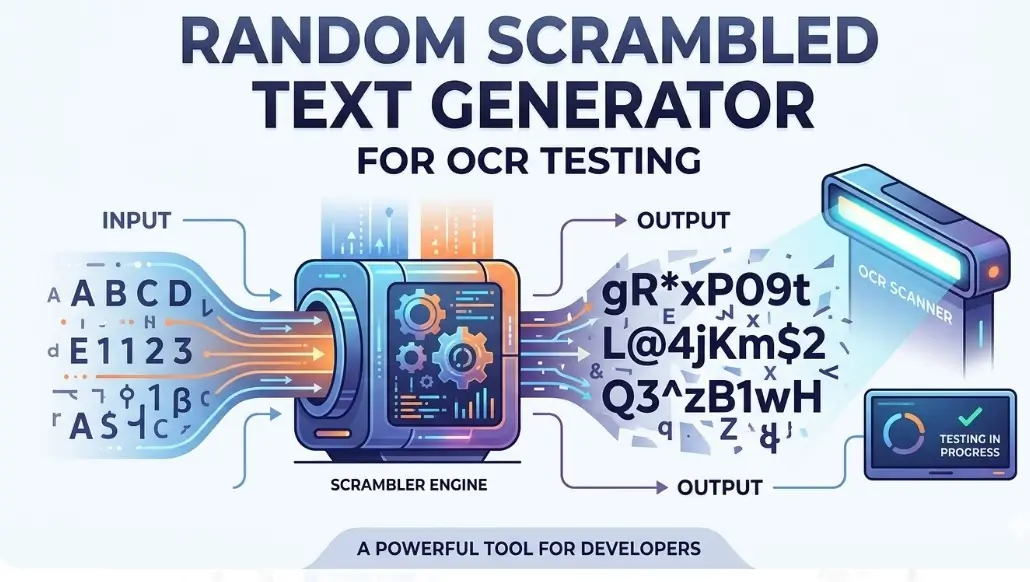
Random Scrambled Text Generator
Generate synthetic data for OCR benchmarking & CER/WER testing.
In the evolving landscape of 2026, where Artificial Intelligence and Computer Vision drive our data extraction pipelines, the “garbage in, garbage out” rule still reigns supreme. If you are developing an Optical Character Recognition (OCR) system—whether you’re utilizing Tesseract, Google Cloud Vision, or a custom-trained Transformer-based model—you’ve likely realized that testing with “clean” digital text is a recipe for production failure.
To build a resilient engine, you need a Random Scrambled Text Generator for OCR Testing. This specialized tool doesn’t just produce gibberish; it creates the “synthetic noise” necessary to benchmark Character Error Rate (CER) and Word Error Rate (WER) under stress.
Why OCR Testing Requires Scrambled Synthetic Data
Most OCR engines perform flawlessly on a standard Arial-font PDF. However, real-world documents are messy. They feature skewed layouts, faded ink, and unpredictable character clusters. A Random Scrambled Text Generator acts as a stress-test environment, simulating these complexities by providing a “Ground Truth” that is intentionally difficult to parse.
The Role of Character Error Rate (CER) and Word Error Rate (WER)
In OCR benchmarking, we rely on two primary metrics:
-
CER (Character Error Rate): Calculated by the formula $CER = \frac{(i + s + d)}{n}$, where $i$ is insertions, $s$ is substitutions, $d$ is deletions, and $n$ is the total characters. Scrambled text helps you identify if your model confuses “0” with “O” or “l” with “1” in high-entropy environments.
-
WER (Word Error Rate): This measures the alignment of entire words. By scrambling word orders or injecting random symbols, you can test if your Natural Language Processing (NLP) layer is effectively “correcting” text it shouldn’t, or failing to recognize boundaries.
Semantic SEO: Entities and User Intent in OCR
When searching for an “OCR testing tool,” users are typically looking for ways to improve Data Integrity and Automation Accuracy. From a Google NLP perspective, the “entities” involved here aren’t just characters; they are the semantic relationships between recognized text and its intended meaning.
Modern OCR isn’t just “reading” pixels; it’s performing Named Entity Recognition (NER). If your scrambled text generator includes specific entities—like dates, currency symbols, or addresses—you can test how well your system maintains Entity Extraction accuracy even when the surrounding text is corrupted.
How to Use a Random Scrambled Text Generator for OCR Testing
Using a generator effectively requires a strategic approach to “synthetic corruption.” Follow these steps to maximize your testing ROI:
Step 1: Define Your Character Set
Select the “entropy level” of your text. For standard testing, use Alphanumeric sets. To test Special Character Recognition, inject symbols like @, #, $, %, ^, *.
Step 2: Generate the “Ground Truth”
Run the generator to create a set of randomized strings. Crucial: Save this output as your “Ground Truth” file. This is the 100% accurate reference point your OCR will be measured against.
Step 3: Render to Image
Convert your scrambled text into various image formats (PNG, JPG, TIFF). To simulate real-world conditions, apply “degradations” such as:
-
Gaussian Noise: To simulate graininess.
-
Rotation/Skew: To test the engine’s deskewing capabilities.
-
Blurring: To simulate out-of-focus mobile captures.
Step 4: Run the OCR Benchmarking
Feed the images into your OCR engine and compare the output to your Step 2 “Ground Truth” file. Use a script to calculate the $CER$ and $WER$.
Step 5: Analyze the Confusion Matrix
Identify which characters are being consistently misidentified. Is “S” often read as “5”? This insight allows you to fine-tune your Post-Processing Semantic Layer or adjust your Binarization thresholds.
The Shift to “Context-Leveraging” Correction
In 2026, the trend has shifted from raw OCR to CLOCR-C (Context-Leveraging OCR Correction). This involves using Large Language Models (LLMs) to “repair” broken OCR text.
By using a scrambled text generator, you aren’t just testing the OCR’s eyes; you’re testing the LLM’s brain. If the generator produces “H3llo W0rld,” a high-quality recovery layer should semantically map this back to “Hello World.” Scrambled generators provide the raw data to train these “correction” models without the high cost of manual data labeling.
Building Your Own Responsive OCR Testing Tool
To help you get started immediately, I have developed a lightweight, responsive, and WordPress-friendly Random Scrambled Text Generator. This tool uses scoped CSS to ensure it won’t interfere with your site’s existing design.
Features of This Tool:
-
Customizable Length: Choose how many characters to generate.
-
Complexity Toggles: Include numbers, symbols, or uppercase.
-
One-Click Copy: Easily grab your “Ground Truth” text.
-
Responsive Design: Works on mobile, tablet, and desktop.
Final Thoughts on OCR Resiliency
By integrating a Random Scrambled Text Generator into your QA workflow, you bridge the gap between “it works on my machine” and “it works in the real world.” As OCR engines become more reliant on Neural Networks and Synthetic Data, the ability to generate controlled, high-entropy text becomes an indispensable skill for any developer or data scientist.